The welcome page
In short
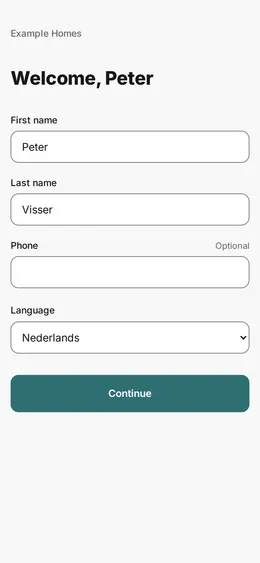
The first time, the portal asks for your name, your phone number and your language. You save the page and then see your properties. You do not have to choose a new password.
Checked on
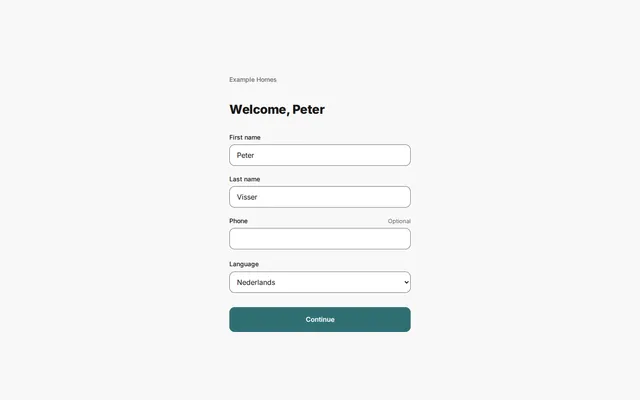
You see this page once, right after your first sign-in. The portal fills in the fields with the details that your agency has about you.
- Check First name and Last name.
- Type your phone number in Phone. This field is optional.
- Choose your language in Language.
- Press Continue.
You then see the overview with your properties.
Change it later
Section titled “Change it later”You can change your name and language later in your profile. You can change your password there too, if you want.