Install the portal as an app
In short
You can put the portal on the home screen of your phone. Then you open it with one tap, like an app. The portal shows a tip for this once.
Checked on
An installed portal opens in its own window, without an address bar. You do not need to get anything from a store.
When you see the tip
Section titled “When you see the tip”The portal shows a tip once, at the bottom of the screen. You see the tip from your second visit, or after you react to a property for the first time. A browser that cannot install the portal does not show a tip.
With Chrome on Android, or with Chrome or Edge on a computer
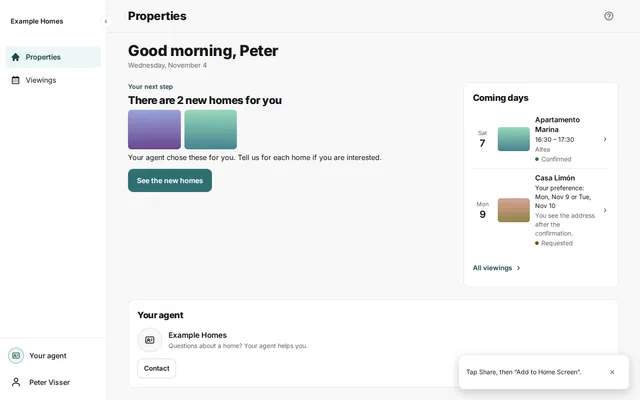
Section titled “With Chrome on Android, or with Chrome or Edge on a computer”- Read the tip Install this app for quick access.
- Press Install.
- Confirm the question of your device.
Install on an iPhone or iPad
Section titled “Install on an iPhone or iPad”- Open the portal in Safari. The tip does not appear in other browsers.
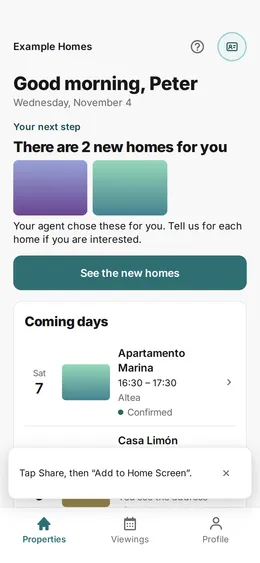
- Read the tip Tap Share, then “Add to Home Screen”.
- Tap the Share icon of Safari.
- Press Add to Home Screen.
The tip is gone
Section titled “The tip is gone”The portal shows the tip only once, also if you close it. If the tip is gone, install the portal with the menu of your browser.