Reacting to a property
In short
For each property, you choose Interested or Reject. If you reject, you choose a reason, and after a visit you give stars. You can undo every choice.
Checked on
Your agent sees your reactions. This is how your agent learns what you look for.
Interested
Section titled “Interested”- Open the property.
- Press Interested.
- The portal asks if you want to view the property. Press Request a viewing or press Later.
Not interested
Section titled “Not interested”- Open the property.
- Press Reject.
- Under Why not?, choose one or more reasons, for example Too expensive, Too small or Layout. The button Reject stays grey until you choose a reason.
- Type more in Note. This is optional.
- Press Reject.
The property is now under Rejected in the overview.
Stars after a visit
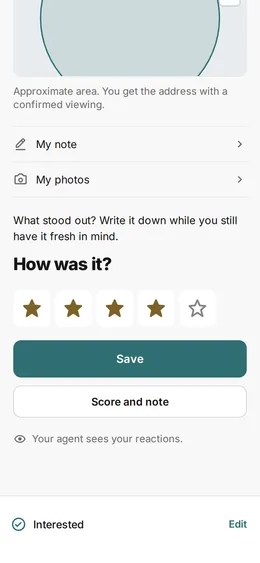
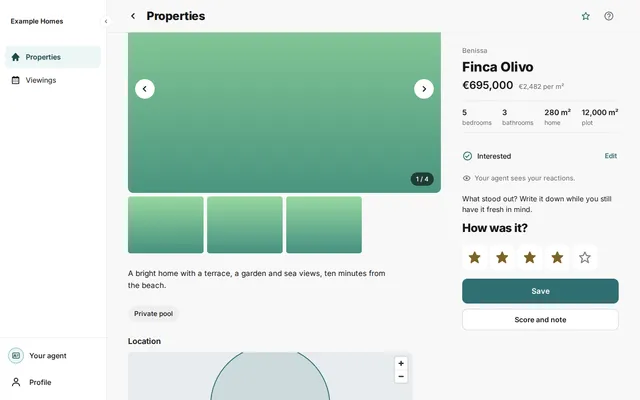
Section titled “Stars after a visit”After a visit, you can give stars.
- Open the property that you visited.
- Under How was it?, choose a number of stars, from 1 to 5.
- Press Save.
Do you also want to make a note about the visit? Then press Score and note.
- After Interested, press Edit. You then see Reject and Interested again. Choose what you want.
- After Reject, press Restore. The rejection is then gone.
- To change a score, choose another number of stars and press Save again.