Signing in
In short
You sign in with the email address and the password from your invitation. If you forget your password, you ask for a code and choose a new password.
Checked on
Your agency invites you by email. The invitation holds the password for your first sign-in. You cannot sign up on your own.
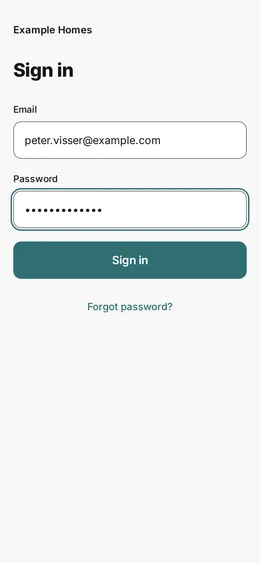
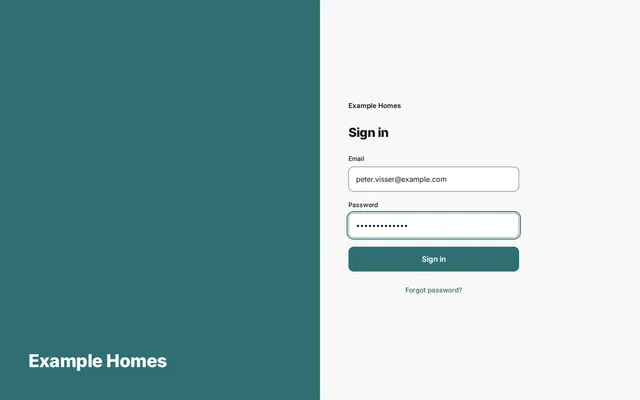
Sign in with your password
Section titled “Sign in with your password”- Open the portal of your agency.
- Type your email address in Email.
- Type your password in Password.
- Press Sign in.
The first time, you then see the welcome page. After that, you see your properties.
If you forgot your password
Section titled “If you forgot your password”- Press Forgot password? under the Sign in button.
- Type your email address and press Send code.
- Open the email that you get. Look in your spam folder too.
- Type the code in Code from the email.
- Type a new password in New password and again in Repeat password.
- Press Save password.
The password has at least 8 characters, with capitals, small letters, digits and a symbol. You then see Password saved. Sign in with your new password.
Sign in with a code or a link
Section titled “Sign in with a code or a link”Your agency can later switch on sign-in with a code or a link by email.